Real Time Hotel Staff Notifications Boost Guest Service
Real time hotel staff notifications turn a guest's phone into a direct line to your team, routing requests the moment they happen instead of after a missed call or a forgotten sticky note. For boutique hotels running lean teams, that speed is often the difference between a five-star review and a guest who gives up and complains online. In this guide, you'll see what real time hotel staff notifications actually are, why they matter more than ever, and how a property can set them up in days rather than months.
Quick answer: Real time hotel staff notifications are automated alerts that send a guest's request (housekeeping, maintenance, a question, or an allergy flag) straight to the right staff member's device the instant it's submitted, often translated into the language the team works in. Instead of a guest calling the front desk or waiting for a knock-and-check, the request lands on a live dashboard staff can act on immediately.
What Are Real Time Hotel Staff Notifications?
Real time hotel staff notifications are, put simply, instant alerts that tell a staff member exactly what a guest needs the moment they ask for it. That might mean a text-based request, a voice question, or a flagged safety issue. Specifically, the notification carries enough context (room number, request type, and urgency) for the right department to act without a phone call bouncing between the front desk and housekeeping.
This concept borrows from real-time computing, where a system processes and responds to input with minimal delay. In a hotel, however, the "processing" is a guest's actual experience, so delay has a direct cost. A slow notification system is, in effect, no notification system at all.
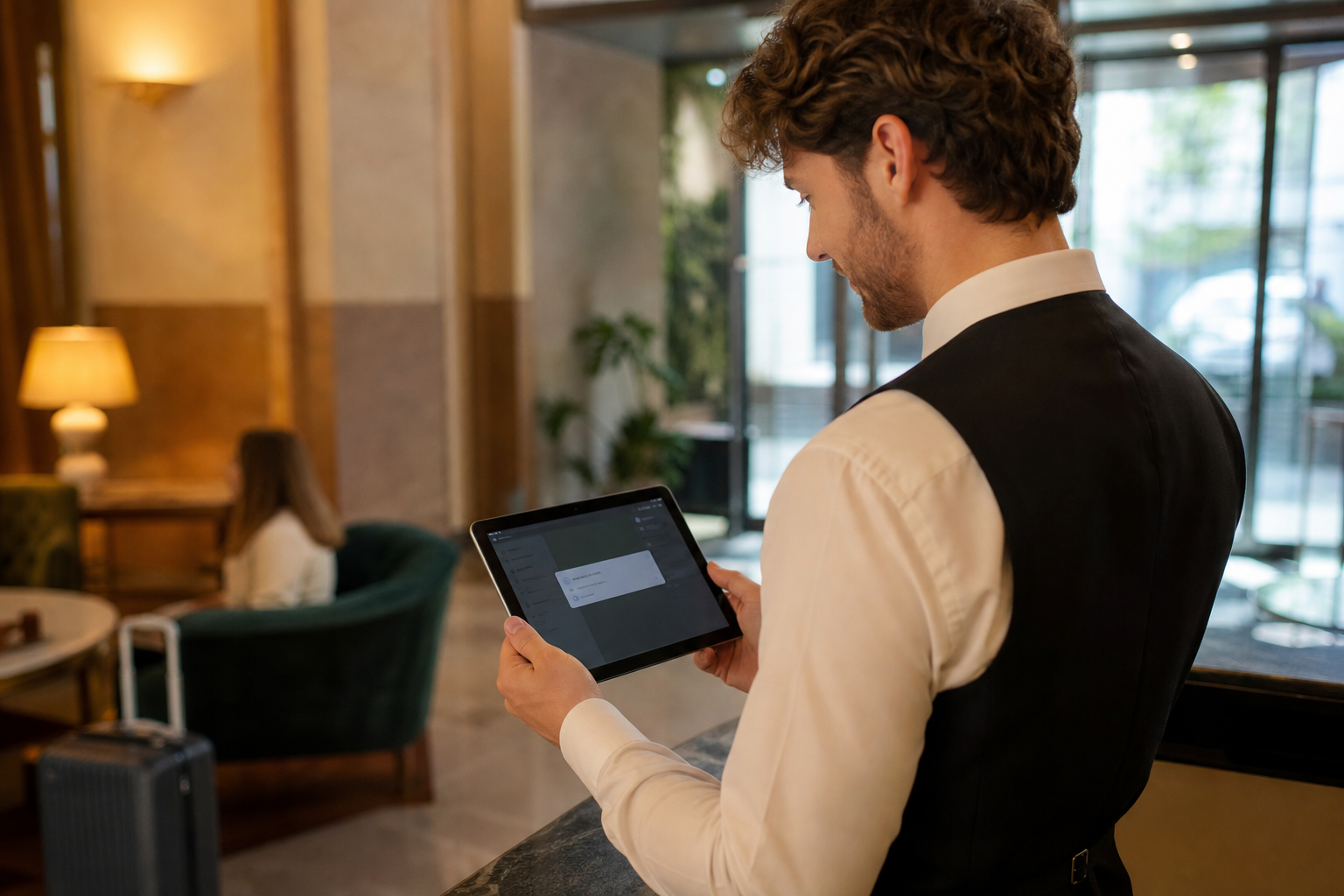
Real time hotel staff notifications let the front desk act on a guest request the moment it arrives.
Why Boutique Hotels Need Instant Guest Request Alerts
Independent hotels are being asked to deliver more personal service with fewer people, and staffing is the pressure point. According to a survey by the American Hotel & Lodging Association and Hireology, 65% of hotels report staffing shortages, with housekeeping (38%) and the front desk (26%) named as the most critical gaps. As a result, the few staff on duty are stretched across every task at once.
Meanwhile, language adds another layer of friction. Research from CSA found that 76% of consumers prefer to engage in their own language, and international travel has returned to record levels, with roughly 1.5 billion international arrivals in 2025, according to the UN World Tourism Organization. Consequently, a guest who cannot explain a broken air conditioner in English either gives up or gets it wrong. Instant, translated alerts close that gap without adding a single bilingual hire.
The Hidden Cost of Delayed Requests
When a request sits unseen, the consequences compound quickly. Housekeeping knocks on an occupied room because no one flagged "do not disturb." A guest mentions a shellfish allergy once, and nobody can prove who knew. For a clear framework on keeping these requests from slipping through the cracks, see this guide to organizing guest messages so nothing gets missed.
How Real-Time Notifications Work, Step by Step
A well-built notification flow is simple on the surface, even though several things happen behind the scenes in seconds. Here is the typical path a request follows:
Guest scans the room QR code. No app, no login: the chat opens directly in the browser.
Guest sends a request in their own language. Spanish, Japanese, Arabic, or English all work the same way.
The system translates and categorizes it. The message is tagged as housekeeping, maintenance, or front desk before it reaches anyone.
The right staff member gets an instant alert. Only the relevant team sees the request, which removes guesswork.
Staff acknowledges and responds. The guest reads the reply translated back into their own language.
Safety flags require confirmed acknowledgment. Allergy or urgent issues cannot be silently dismissed.
Above all, this sequence should feel invisible to the guest. They simply ask for something and get an answer, while staff see a clean, translated queue rather than a pile of unsorted texts and radio calls.
Instant Staff Alerts vs. Traditional Hotel Communication
In contrast to phone calls, radios, and paper notes, a live dashboard keeps every request visible, trackable, and assigned. The table below compares common methods independent hotels still rely on.
Method | Typical Response Time | Language Support | Trackable? |
|---|---|---|---|
Phone call to front desk | Minutes to hours | Staff-language only | No |
Handheld radio | Depends who's listening | None | No |
Sticky note / log book | Hours, if found | None | No |
Real-time staff dashboard | Seconds | Multilingual, translated | Yes |
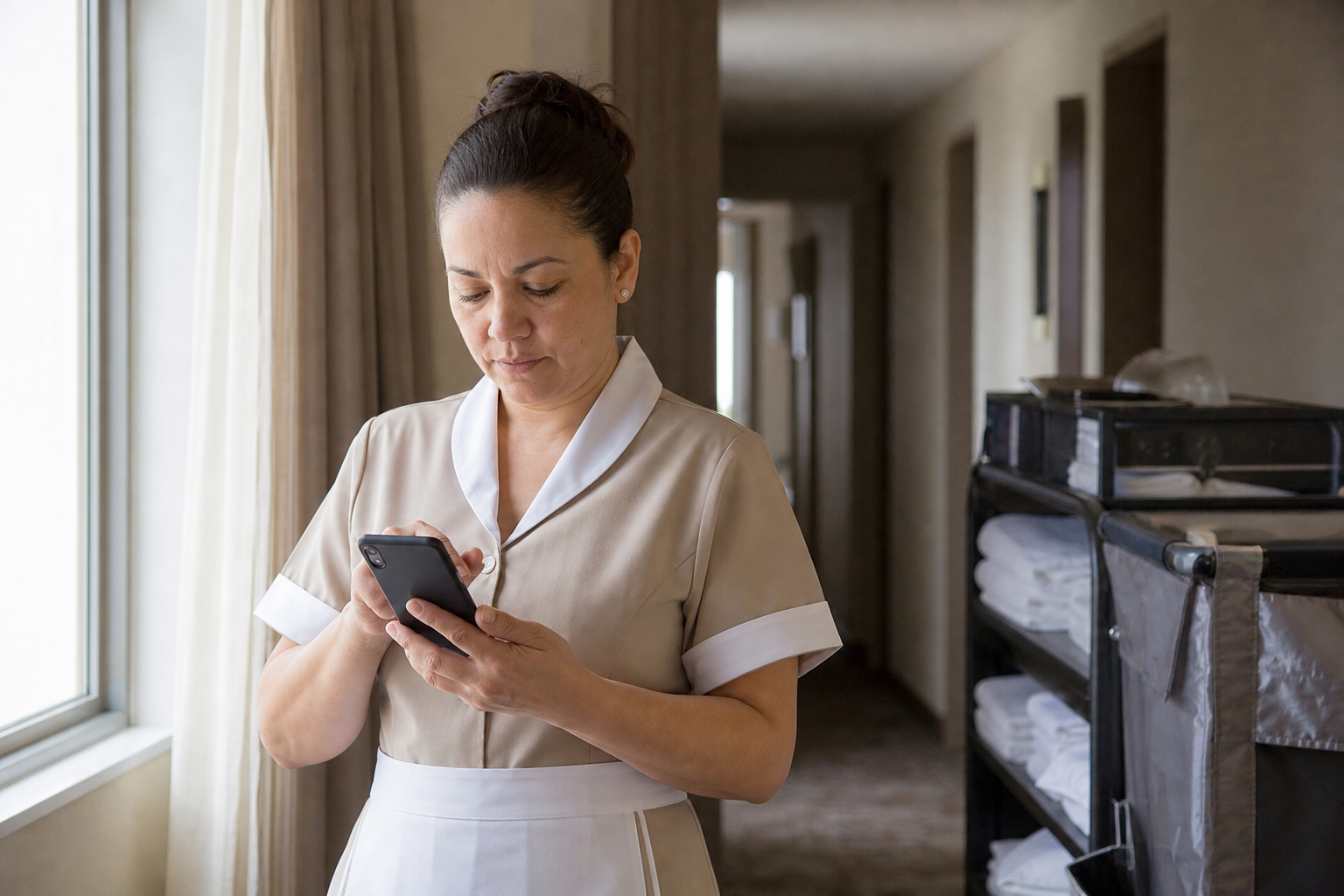
Housekeeping no longer has to guess which rooms actually need attention right now.
Multilingual Guest Requests and Live Staff Translation
A notification is only useful if staff understand it. Therefore, translation has to happen before the alert ever reaches a team member, not after. A guest writing in German or Japanese should produce a message the front desk reads in plain English, and the reply should travel back the other way automatically.
This matters for first impressions, too. If you're still refining how guests are greeted on arrival, these welcome message examples that set expectations early pair naturally with a translated request system, since both reduce the number of confused, repeated questions staff have to field.
Allergy and Safety Alerts Deserve Special Handling
Food-allergy mentions and safety concerns should never sit in the same queue as a Wi-Fi password request. Instead, the best systems escalate these messages and require a staff member to actively acknowledge them, which creates a record of who knew and when. This single feature often prevents the most serious guest incidents a boutique property can face.
Choosing a Real-Time Notification System for Your Property
Enterprise guest platforms are typically built for 300-room chains, assuming a PMS integration project, a native app, and a budget sized for a much larger operation. Independent hotels and short-term rentals need something lighter. Specifically, look for a system that goes live without a lengthy integration, supports unlimited staff seats so cost doesn't scale with headcount, and prints a simple QR code guests can scan with no download.
Cortesia was built around exactly this constraint. Guests scan a QR code in the room and get answers in eight languages, including full right-to-left Arabic, with every request landing on one live staff dashboard translated into the language the team already works in. Properties typically go live in days, not months, with setup covering the knowledge base, room and staff import, and print-ready QR materials. You can see how it fits a working boutique property at cortesia.ai, or walk through the live demo yourself.
For related operational workflows, see how properties handle tracking out-of-order rooms and responding quickly to room upgrade requests, both of which depend on the same instant-routing principle.
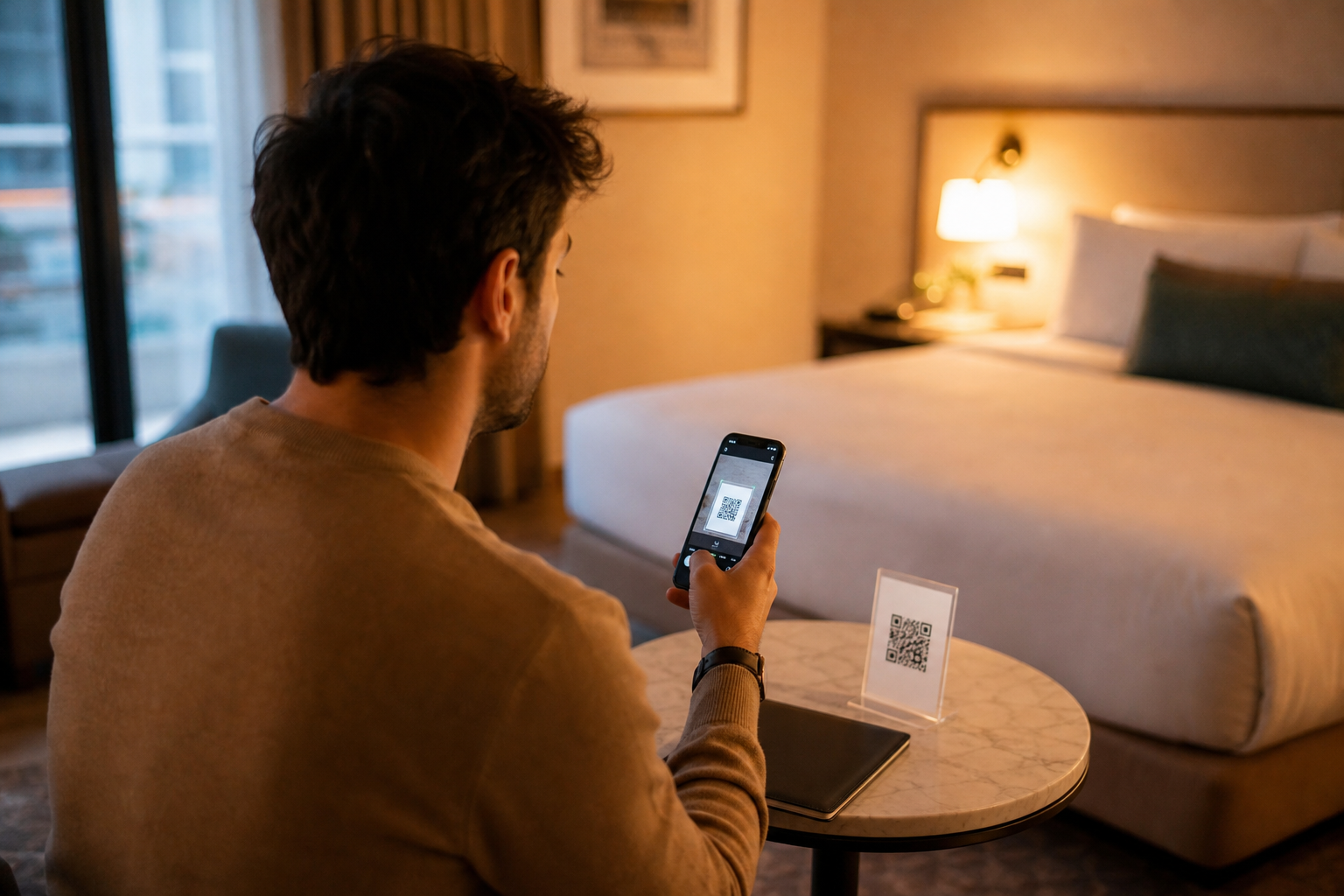
A simple QR code scan is often the only step a guest needs to take before staff receive an alert.
Building a Communication Plan Around Instant Alerts
Notifications alone don't fix communication gaps; they need a plan behind them. In particular, decide which categories exist (housekeeping, maintenance, concierge), who owns each one, and what happens when a request goes unanswered for a set number of minutes. For a broader look at pulling these pieces together, this complete guide to hotel guest communication walks through the full picture, from pre-arrival messaging to post-stay follow-up.
Frequently Asked Questions About Real Time Hotel Staff Notifications
What are real time hotel staff notifications?
Real time hotel staff notifications are automated alerts that send a guest's request straight to the right staff member's device the moment it is submitted. Instead of waiting for a phone call or a note at the desk, housekeeping, maintenance, or the front office sees the request instantly.
How do real-time guest request alerts reach the right department?
A guest submits a request through a QR code or messaging tool, and the system tags it by category, such as housekeeping or maintenance, before routing it to that team's device. The right person sees only the requests relevant to their role.
Why do boutique hotels need instant staff notifications?
Boutique hotels run with lean teams and no large call center, so a missed request often means a bad review. Instant notifications let a small staff respond as fast as a much larger property.
How much does a real-time notification system cost for a small hotel?
Pricing models vary, but many boutique-focused platforms charge a simple per-room monthly fee rather than per-user licensing. Cortesia, for example, prices per room on a month-to-month basis with unlimited staff seats included.
How long does it take to set up real-time hotel staff notifications?
A system that does not require PMS integration can typically go live in a matter of days. Setup usually includes loading the property's knowledge base, importing rooms and staff, and printing QR materials.
What is the difference between real-time notifications and a hotel guest app?
A guest app requires a download, an account, and ongoing updates, and most guests never install it. Real-time notification systems built on QR codes work in the guest's browser instantly, with no download required.
Do guests need to download anything to send a request?
No. Most modern systems let guests scan a QR code in the room and start chatting in a browser window. There is no app, login, or account creation involved.
How do real-time notifications handle multiple languages?
The guest writes or speaks in their own language, and the platform translates the request before it reaches staff, then translates the staff reply back. This removes the need for bilingual front-desk hires.
What happens when a guest reports a food allergy?
A properly configured system flags allergy mentions as a priority alert that requires staff acknowledgment before it can be dismissed. This creates a record showing who was notified and when.
What common mistakes do hotels make with staff notification systems?
The most common mistake is routing every request to one general inbox, which recreates the same bottleneck the system was meant to fix. Another is choosing a platform that demands a long PMS integration before it can go live.
Can real-time notifications work without a PMS integration?
Yes. Many boutique-focused systems operate independently of the property management system, using a standalone dashboard and QR-based guest access. This keeps rollout to days instead of a multi-month IT project.
What is the best practice for assigning requests to departments?
Set up clear categories, such as housekeeping, maintenance, and front desk, before launch, and assign each category to a specific device or staff group. Review unassigned or delayed requests daily so gaps get fixed quickly.
How do short-term rental hosts use real-time notifications without a front desk?
A single owner-operator can receive every guest request on their own phone, even while managing the property remotely. The QR code in the unit replaces the front desk entirely, so nothing depends on someone being on-site.
Key Takeaways
Real time hotel staff notifications solve a problem that boutique hotels feel every single day: too few people, too many languages, and too many requests arriving through the wrong channel. By routing each message instantly to the right department, and translating it along the way, a small team can respond like a much larger one. As a result, guests get faster answers, allergy and safety issues get documented rather than lost, and staff stop wasting trips on rooms that didn't need them. Whether you run a 42-room boutique hotel or a single short-term rental, setting up real time hotel staff notifications is one of the fastest, lowest-cost changes a property can make to protect its reviews and its reputation.