
Hotels that profile guest preferences early in a stay solve two problems at once. They personalize service, and they stop the front desk from answering the same ten questions all day. For a boutique property on a lean team, knowing a guest's language, dietary needs and past requests before the second interaction can be the difference between a glowing review and a frustrated one. This guide shows what to record, how to record it, and how to keep it safe.
The Short Answer: What It Means to Profile Guest Preferences
Direct answer: To profile guest preferences means recording details such as language, allergies, room habits and service requests in one shared place. As a result, every staff member, from the front desk to housekeeping, can deliver personal service without asking the guest to repeat themselves.
What Is a Guest Preference Profile?
A guest preference profile is a working record of what one traveler needs during a stay. It usually covers preferred language, dietary restrictions, room temperature habits and any requests made before or during the visit. In addition, it can hold feedback, so a problem from a past stay is not forgotten.
For independent hotels and short-term rentals, this profile usually lives nowhere formal. It is scattered across a front-desk notebook, a group text thread or a staff member's memory. As a result, the same guest explains the same allergy twice. Worse, a housekeeper knocks on a door the guest asked to keep closed.
Preference Profile vs. Loyalty Record vs. PMS Record
These three are often mixed up. However, they do different jobs.
| Record type | What it tracks | Best used for |
|---|---|---|
| Preference profile | Language, allergies, room habits, requests | Personal service during the stay |
| Loyalty record | Points, tiers, stay counts | Rewarding repeat guests over years |
| PMS reservation | Dates, rate, room, payment | Billing and inventory |
Wikipedia's overview of the property management system category explains why most PMS platforms were built for reservations and billing. They were never designed for in-stay guest conversation. That gap is exactly where a preference profile fits.
What Guest Preference Information Matters Most
Not every detail carries equal weight. Above all, prioritize information tied to safety and comfort. Then add the details that make a stay feel personal. The table below shows a practical order.
| Detail | Example | Who needs it |
|---|---|---|
| Safety and access | Food allergy, mobility needs | Kitchen, front desk, housekeeping |
| Language | Preferred language for replies | Everyone who talks to the guest |
| Room habits | Quiet room, extra pillows, do not disturb | Housekeeping, front desk |
| Dining and drinks | Breakfast timing, usual coffee order | Kitchen, bar, front desk |
| Contact style | Message instead of phone call | Front desk, manager |
| Feedback | A past complaint or compliment | General manager, shift leads |
| Occasions | Birthday or anniversary, if the guest shares it | Front desk |
Also, treat any request repeated more than once as a preference. If a guest asks for extra towels twice, the third delivery should happen without a request.
Why Boutique Hotels Need to Profile Guest Needs
Boutique and independent properties win on personality and attentiveness, not scale. However, that promise is hard to keep when the same three staff members handle check-in, housekeeping and every guest question. An AHLA and Hireology survey found that 65% of hotels report staffing shortages, with housekeeping and the front desk named as the most critical gaps. In other words, the teams expected to deliver personal service are often the most stretched.
Consequently, a property that can profile guest needs without extra paperwork frees its staff. They spend less time gathering basics and more time acting on them.
Smoother Daily Operations
When guest details are easy to find, front desk, housekeeping and kitchen work faster. Nobody has to ask the same question twice, and shift handovers get shorter.
More Personal Service
Small touches matter. A quiet room, the right pillows or a greeting in the guest's own language show that someone paid attention. Guests remember that long after they forget the lobby decor.
Better Offers and Fewer Repeat Problems
Knowing what a guest values helps staff suggest something useful, such as a late checkout or a dining option that fits their diet. Meanwhile, a complaint noted in the profile can be fixed before the guest's next visit. Offers that fit the guest feel like service, not a sales pitch.
The Staffing Problem Behind Manual Guest Profiling
Manual profiling fails quietly. A guest mentions a shellfish allergy to one front-desk agent at check-in. That note never reaches the kitchen. Later, nobody can confirm who knew what. Similarly, a guest who speaks little English tries to explain a broken air conditioner, gives up, and leaves a complaint instead of a repair request.
Language plays a larger role than many operators assume. Research from CSA Research shows that 76% of consumers prefer to engage in their own language. For a property near a border city, a convention center or a university, that is a daily operating reality.
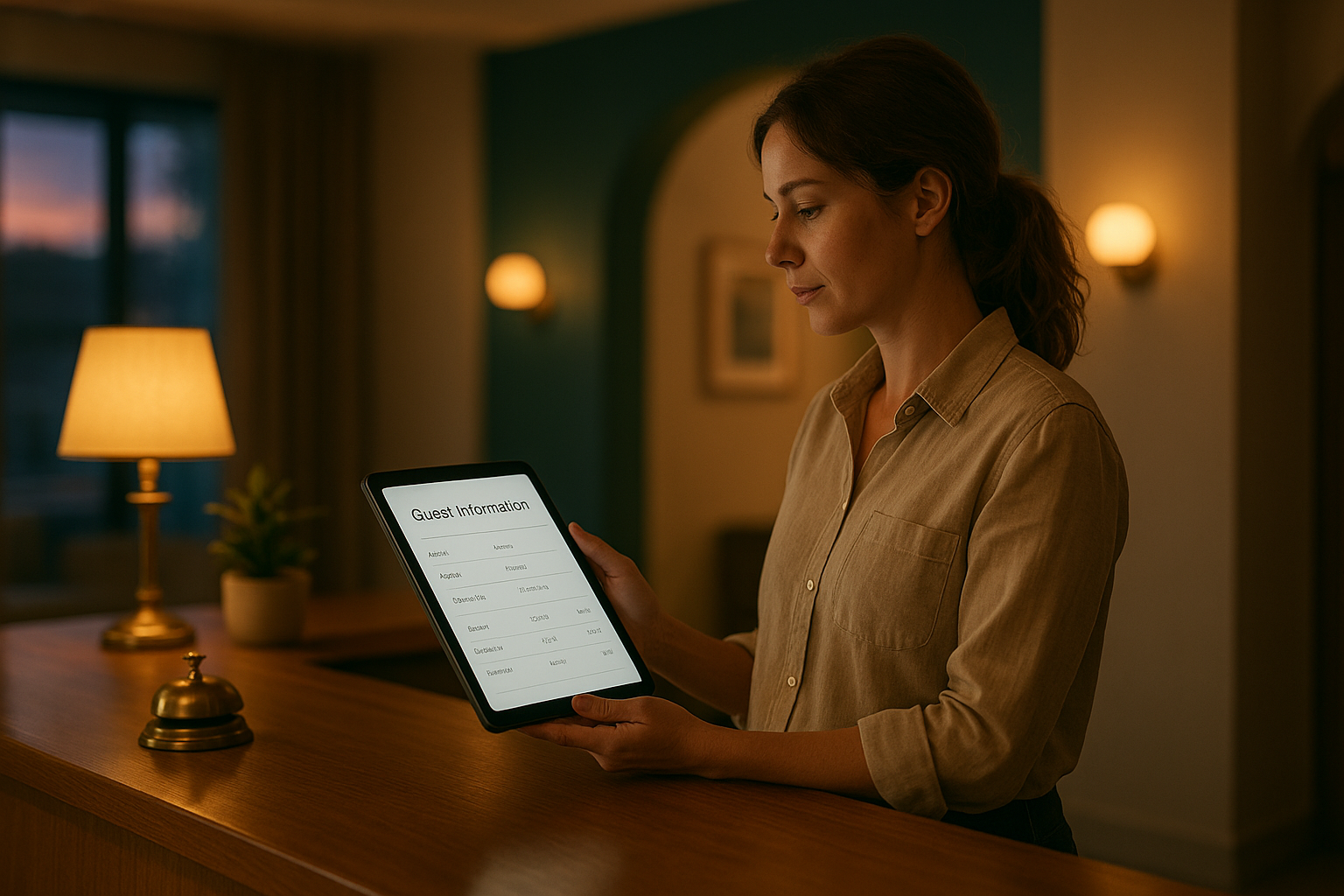
A shared dashboard makes it possible to profile guest preferences without adding front-desk headcount.
How an AI Concierge Helps Profile Guest Data Automatically
This is where a multilingual AI concierge changes the math. Instead of asking staff to document every conversation, a tool like Cortesia captures the guest's own words the moment they scan a printed QR code. It is no app, no login. The guest writes in their own language, and the system translates the request for staff on one live dashboard. Cortesia supports eight languages.
As a result, the guest profile builds itself over the stay. The front desk sees the same translated conversation housekeeping sees. Nobody has to re-ask a question the guest already answered. Moreover, the guest never creates an account, so there is no sign-up step to slow anyone down.
The tool supports your team and does not replace it. Staff still make the calls, deliver the service and use judgment. For a deeper look at how this fits a wider plan, the guest messaging software buyer's guide walks through what to evaluate. The guest communication platform guide for boutique hotels covers the same ground from the platform side.
Step-by-Step: How to Profile Guest Preferences With Minimal Staff Time
Building a usable profile does not require a large technology project. The sequence below shows how a lean team can do it from check-in through checkout.
Capture the first signal at check-in. Invite guests to scan a printed QR code at check-in or in the room so the system can start a conversation in their preferred language without an app download or account.
Let the guest state needs in their own words. Allow guests to ask questions or make requests in their native language, and let the system translate the content automatically for staff on the dashboard.
Route flagged details to the right department. Send safety-relevant details such as food allergies or accessibility needs directly to housekeeping, the kitchen or the front desk with a required acknowledgment so nothing is missed between shifts.
Review the shared dashboard daily. Have a manager or shift lead scan the live staff dashboard each morning to confirm every open request and preference has been addressed before the next guest interaction begins.
Close the loop at checkout. Ask for feedback, note what worked, and tidy the profile so the next team member sees clear, current information instead of clutter.
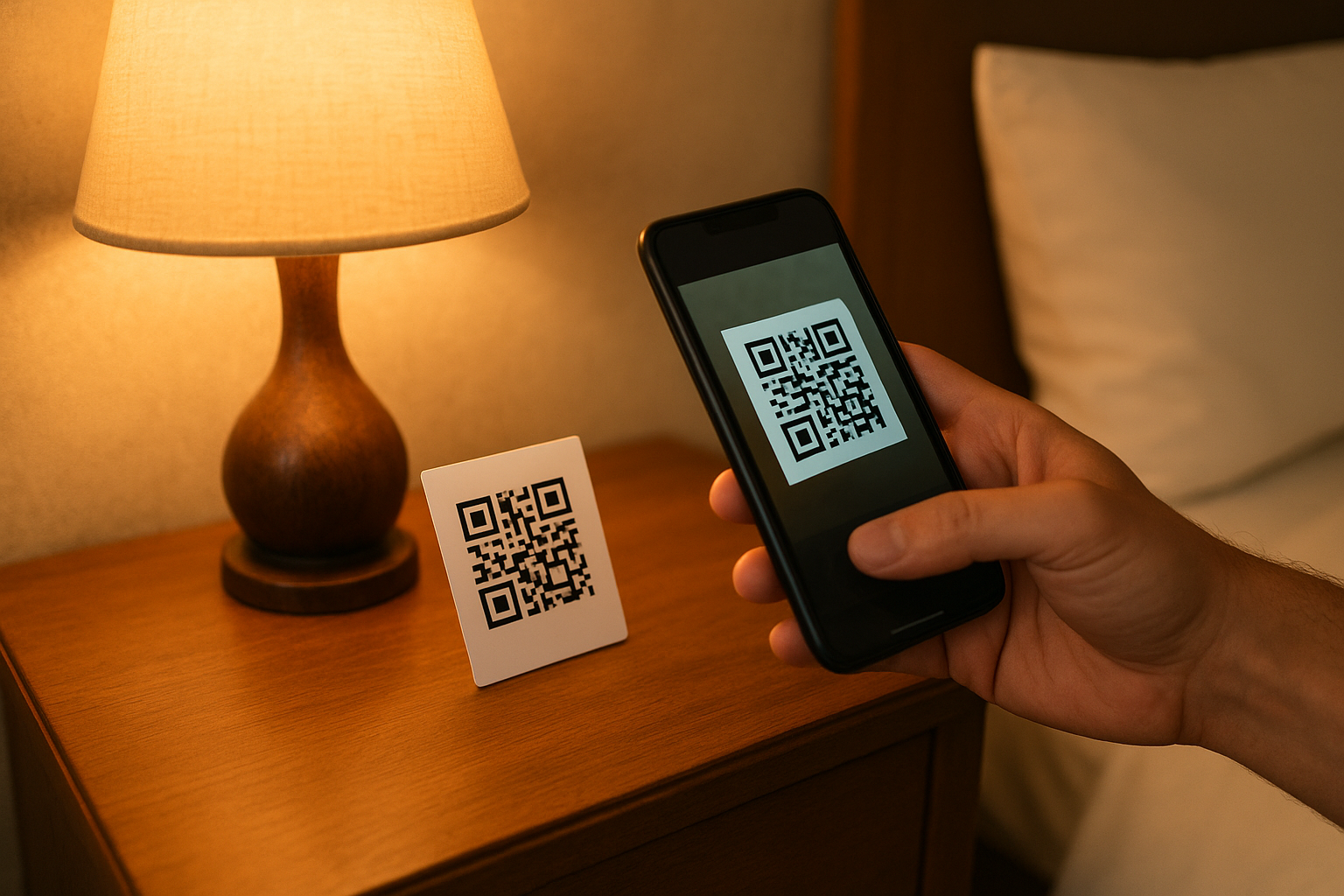
A simple QR scan is often the first step hotels use to profile guest preferences without any app install.
Use Guest Preferences at Every Stage of the Stay
A profile only helps when staff act on it. Here is what that looks like across the guest journey.
Before Arrival
- Send the pre-arrival message in the guest's own language.
- Note special requests, such as a quiet room or early arrival, so the room is ready.
At Check-In
- Greet the guest by name and confirm the one or two preferences that matter most.
- Hand over the printed QR card so the profile can keep building.
During the Stay
- Match housekeeping timing to the guest's do-not-disturb habits.
- Answer questions about the property, menus and amenities in the guest's language.
After Checkout
- Send a thank-you note. The welcome note templates guide offers a practical starting point for tone and wording.
- Ask for feedback and add the useful parts to the profile.
Handling Allergy and Safety Details Responsibly
A guest who mentions a food allergy should trigger an alert that both the kitchen and front desk must acknowledge. A note in one person's head is not enough. When a guest shares an allergy through Cortesia, it is flagged for staff and kept as part of the stay record.
Important: the AI concierge is not an authority on food safety or allergies. Hotel staff who prepare the food are the final authority. Guests should always confirm allergy information directly with staff. Allergy information is used only for guest safety.
Guest Data Privacy When You Profile Guest Information
Guests share more when they trust you with the details. Therefore, a few habits keep a profile respectful and useful.
- Collect only what helps the stay. If a detail will not change how you serve the guest, skip it.
- Let guests volunteer sensitive details. Birthdays and health needs should be shared, not demanded.
- Keep records clean. Remove old or duplicate entries so staff trust what they read.
- Follow local privacy law. Check the rules that apply where your property operates.
- Choose tools with a light footprint. With Cortesia, guests never create an account, and the app runs no analytics or advertising trackers.
Properties evaluating data handling should also review a provider's terms of service before rolling a system out to every room.
Short-Term Rentals: Profile Guest Preferences Without a Front Desk
Short-term rental hosts face the same challenge with none of the front-desk infrastructure. A remote host cannot read a guest's face at check-in. However, a printed QR code in the unit lets the guest state needs, ask questions and report problems. The host sees it all in one place, even from another city. Because it takes no app and no login, a one-night guest can use it as easily as a week-long one.
Common Mistakes When You Profile Guest Information
Even well-intentioned teams make predictable errors.
- Siloed information. The front desk knows something housekeeping does not.
- Relying on a downloadable app. Many guests will not install one for a short stay, so the profile stays empty.
- Requests that never close. A 2 PM housekeeping request is still open at 6 PM, and no one is aware.
- Collecting too much. Long forms at check-in slow the line and add little value.
- No training. Staff who do not know where to read or update a profile will go back to sticky notes.
In contrast, a centralized system avoids these problems by default. Every request, from a Wi-Fi password question to an allergy note, lands in one place. For properties sorting through a backlog today, the guide on organizing guest requests fast covers how to clean that up quickly. In addition, the roundup of hotel guest request software for boutique hotels compares tools that handle this well.
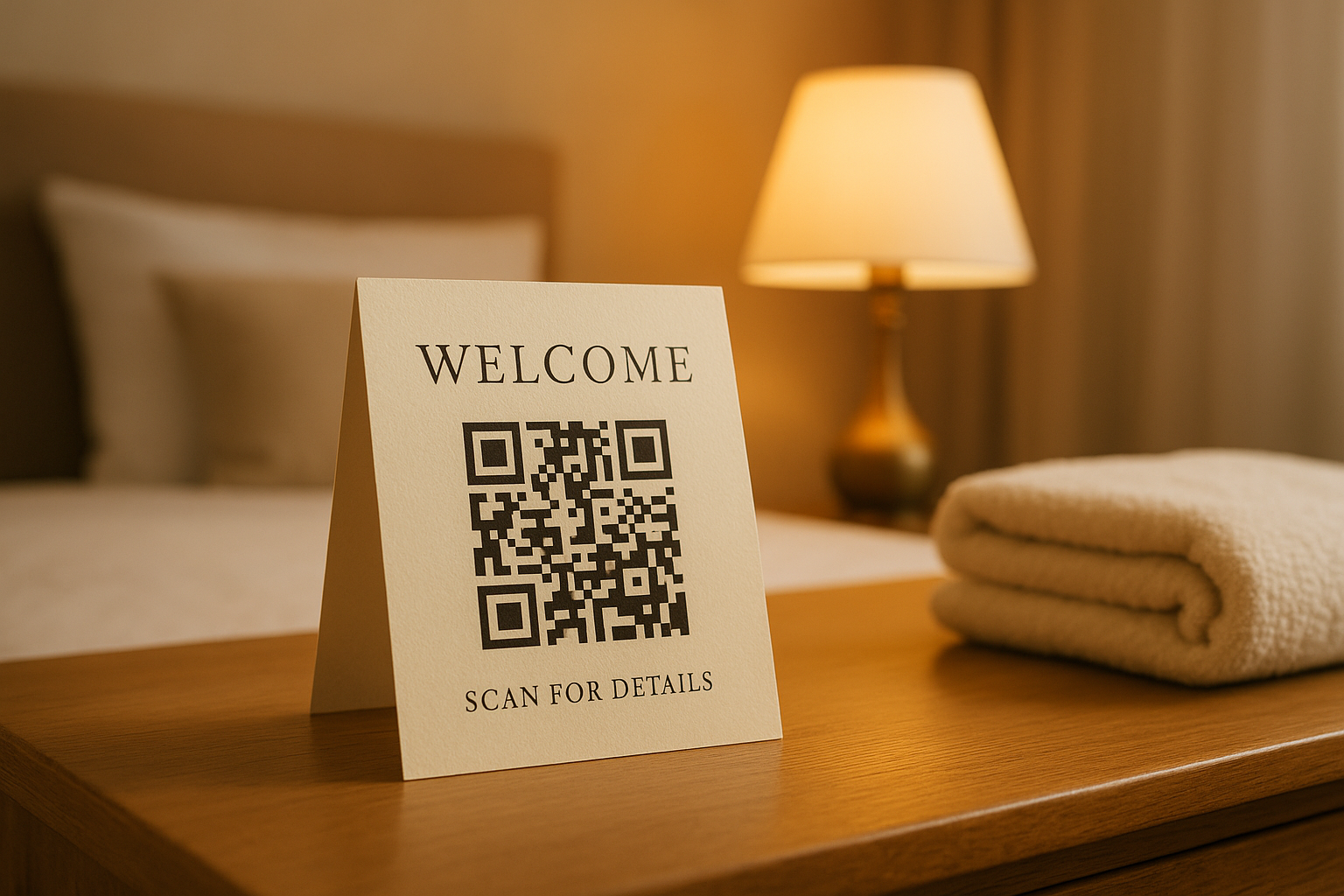
A printed card is often all a property needs to start building a guest profile on day one.
How to Tell Whether Your Guest Profiles Are Working
You do not need complex analytics. Instead, watch a few simple signals over a month or two.
- Do guests still repeat the same details to different staff?
- Are open requests closed within the same shift?
- Do reviews mention personal touches or language support?
- Do staff say handovers are easier?
If the answers move in the right direction, the system is earning its place. If not, simplify what you collect and retrain the team.
Choosing a Tool to Profile Guest Preferences
Enterprise guest platforms are typically built for large chains with a dedicated IT team and long rollouts. Independent properties rarely have that runway. Therefore, look for a tool that is quick to launch, easy for staff and simple for guests. Cortesia is built for boutique and independent hotels and short-term rentals, where the owner or general manager often carries the guest experience personally. Properties can be live in days.
A Quick Buyer Checklist
- No app and no login for guests.
- Replies in the guest's own language, translated for staff.
- One shared dashboard for front desk, housekeeping and kitchen.
- Required acknowledgment for safety-related details.
- Clear data terms and no advertising trackers.
For a broader comparison, the multilingual hotel guest app guide lays out what to look for beyond language support. Likewise, the overview of hotel guest experience software for boutique hotels shows where profiling fits in the wider stack.
Understanding how data platforms work can also help you judge vendor claims. Wikipedia's entry on the customer data platform concept is a useful starting point. The American Hotel & Lodging Association also publishes ongoing research on the staffing pressures driving this shift.
Frequently Asked Questions About Profiling Guest Preferences
What does it mean to profile guest preferences?
To profile guest preferences means recording a traveler's language, dietary needs, service habits and requests so staff can personalize the stay. It turns one-time interactions into a record the whole team can use.
How is guest profiling different from a loyalty program?
A loyalty program tracks points and stay counts over years. Guest profiling captures in-stay preferences such as language, allergies and requests. Independent properties often need the second without the overhead of the first.
What information should a guest profile include?
Include preferred language, allergies or dietary restrictions, accessibility needs, room habits and requests made during the stay. Safety-related details come first. Add feedback and occasions only when the guest shares them.
Is a guest app required to profile guest preferences?
No. Many guests will not install an app for a short stay. A QR-code concierge captures the same information with no app and no login.
How long does it take to start profiling guests at a small hotel?
Most independent properties can go live in days. Setup needs a property knowledge base, a room list and printed QR materials. It does not require a lengthy IT project.
How do allergy alerts fit into a guest profile?
When a guest mentions an allergy through Cortesia, staff receive an alert that requires acknowledgment. Hotel staff who prepare food remain the final authority, and guests should confirm allergy details directly with them.
Can short-term rental hosts profile guest preferences too?
Yes. Hosts with one property or a small portfolio can profile guest preferences the same way hotels do. A QR code in the unit lets guests share needs while the host reads them remotely.
Is it safe to store guest preference data?
It can be, if you collect only what you need, keep records clean and follow local privacy law. With Cortesia, guests never create an account and the app runs no analytics or advertising trackers.
Final Thoughts
In the end, the hotels that feel personal are rarely the ones with the biggest staff. They are the ones that profile guest preferences well enough that every team member already knows what the guest needs. To recap: record safety and language details first, keep one shared view, route alerts to the right department, and protect guest data. A lightweight, no-app tool like Cortesia makes this achievable in days. Whether a property runs 12 rooms or 120, the principle holds: the sooner a team can profile guest preferences, the sooner every guest feels like a returning favorite rather than a stranger.